Organize your dock.
Add and arrange items: apps, widgets, Smart Stacks, folders, spacers, dividers. make the dock is your canvas.
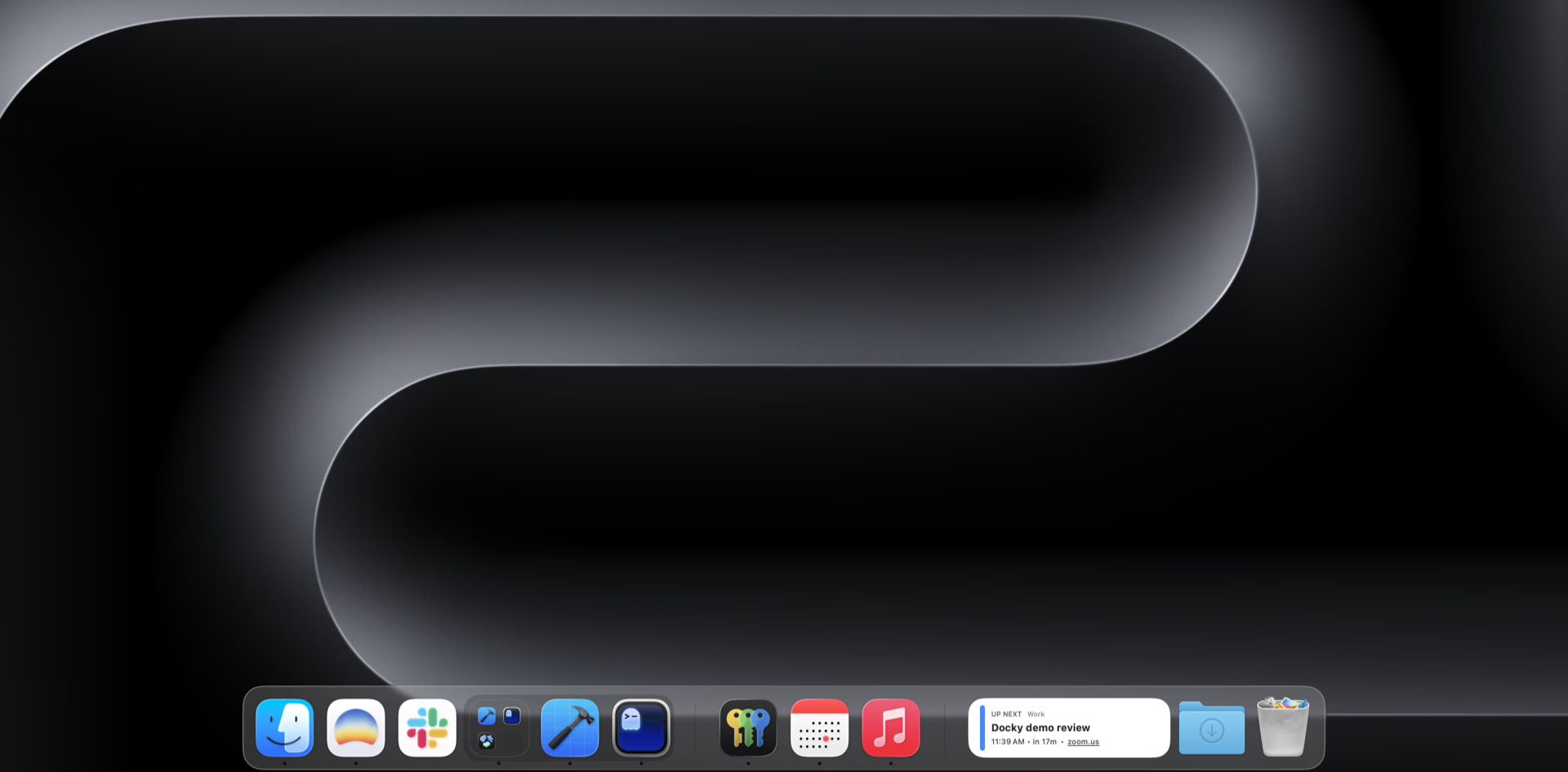
A dock replacement for macOS that elegantly replaces the system one. The same old dock, on steroids — now free and open source.

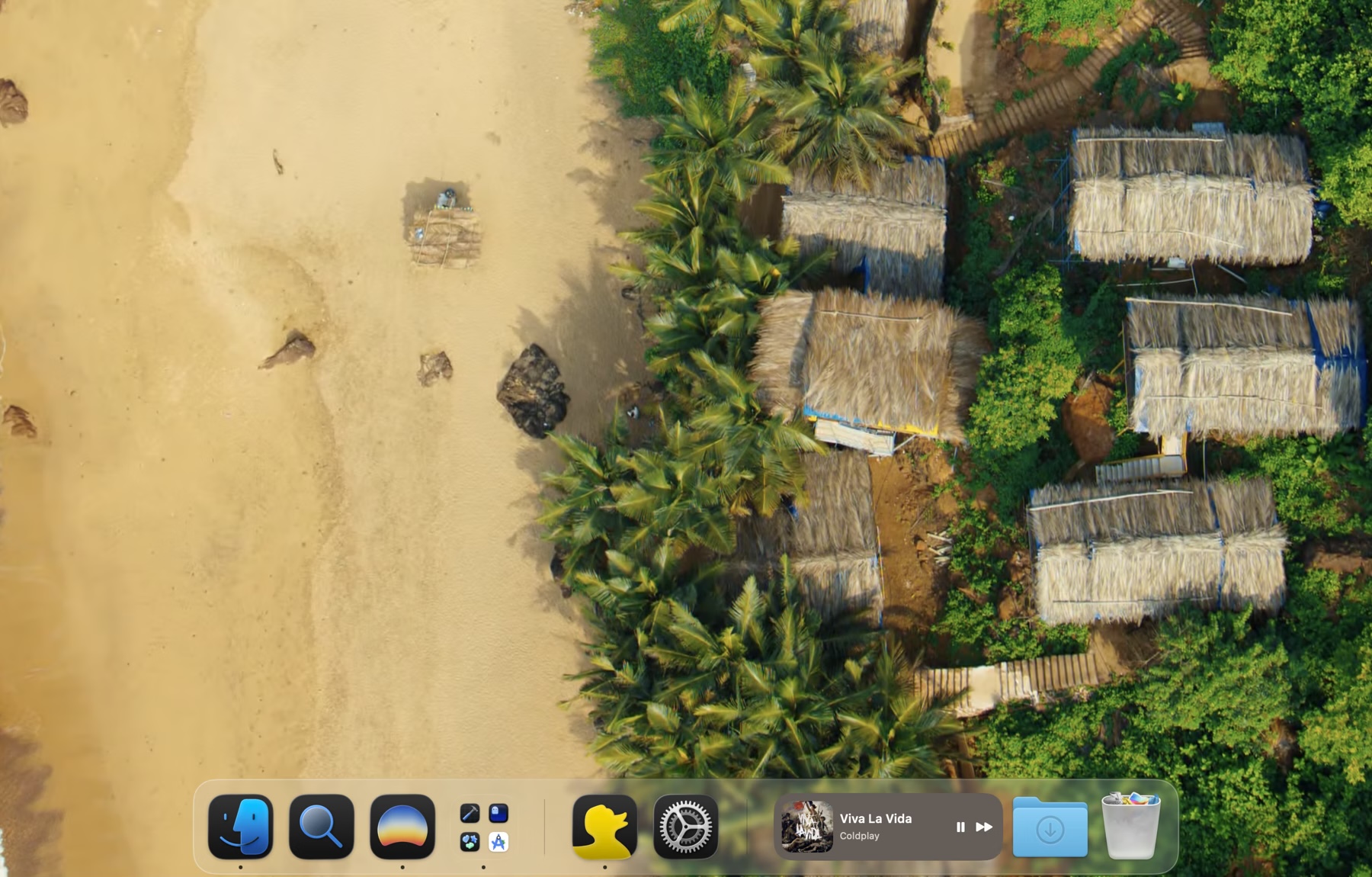
It is a row of icons, fixed to one edge, with a single visual style and very few hooks for the way modern Macs are actually used.
Footage @NobelTechPin what you reach for and actively use. Swap in widgets and create groups.
Compose it with apps, widgets, Smart Stacks, and folders. Reach Launchpad, the window switcher, and scripted actions from the same place.
Add and arrange items: apps, widgets, Smart Stacks, folders, spacers, dividers. make the dock is your canvas.
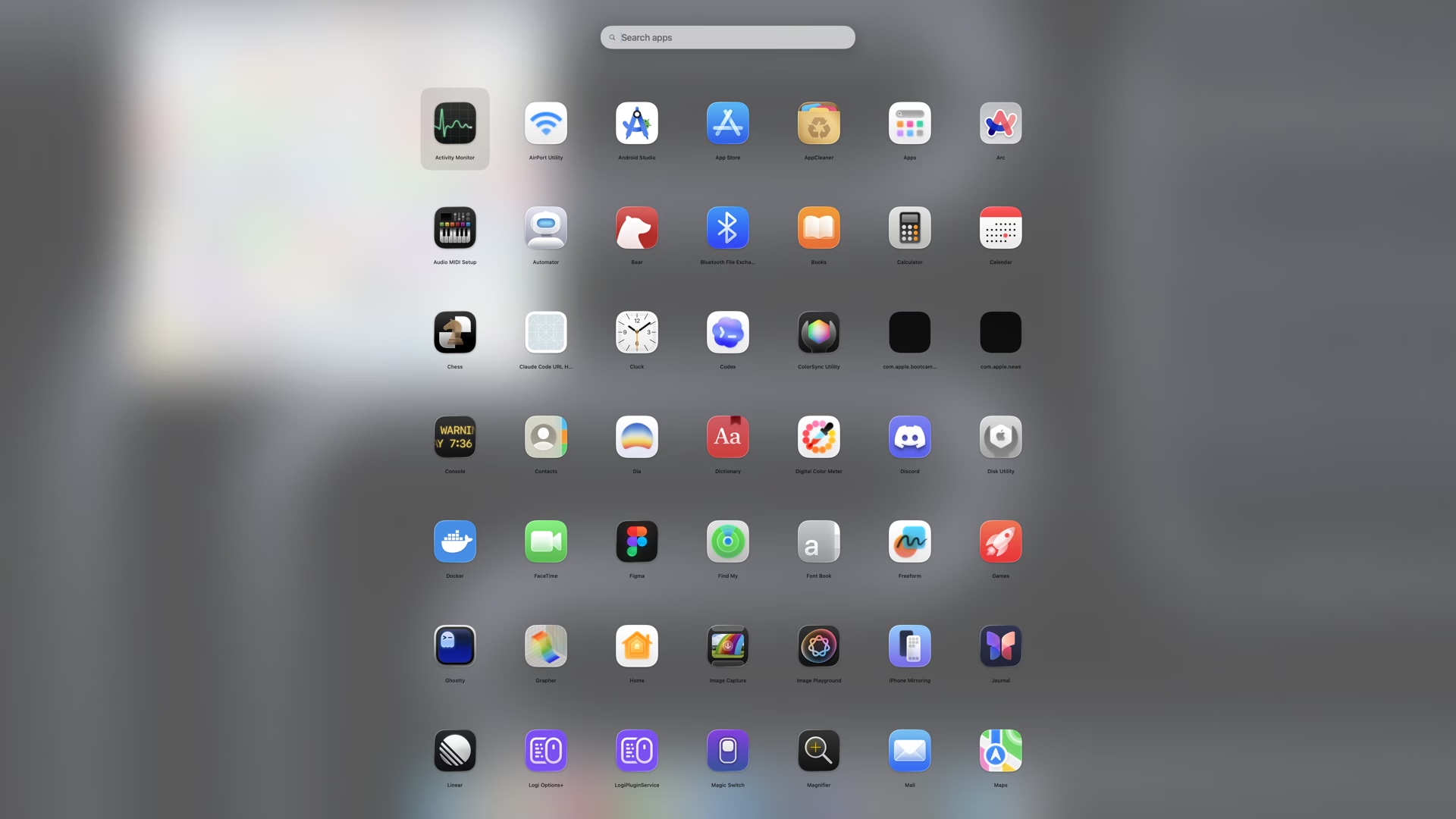
A fullscreen, searchable app launcher with keyboard navigation and a configurable grid. Open it with any global shortcut you choose.
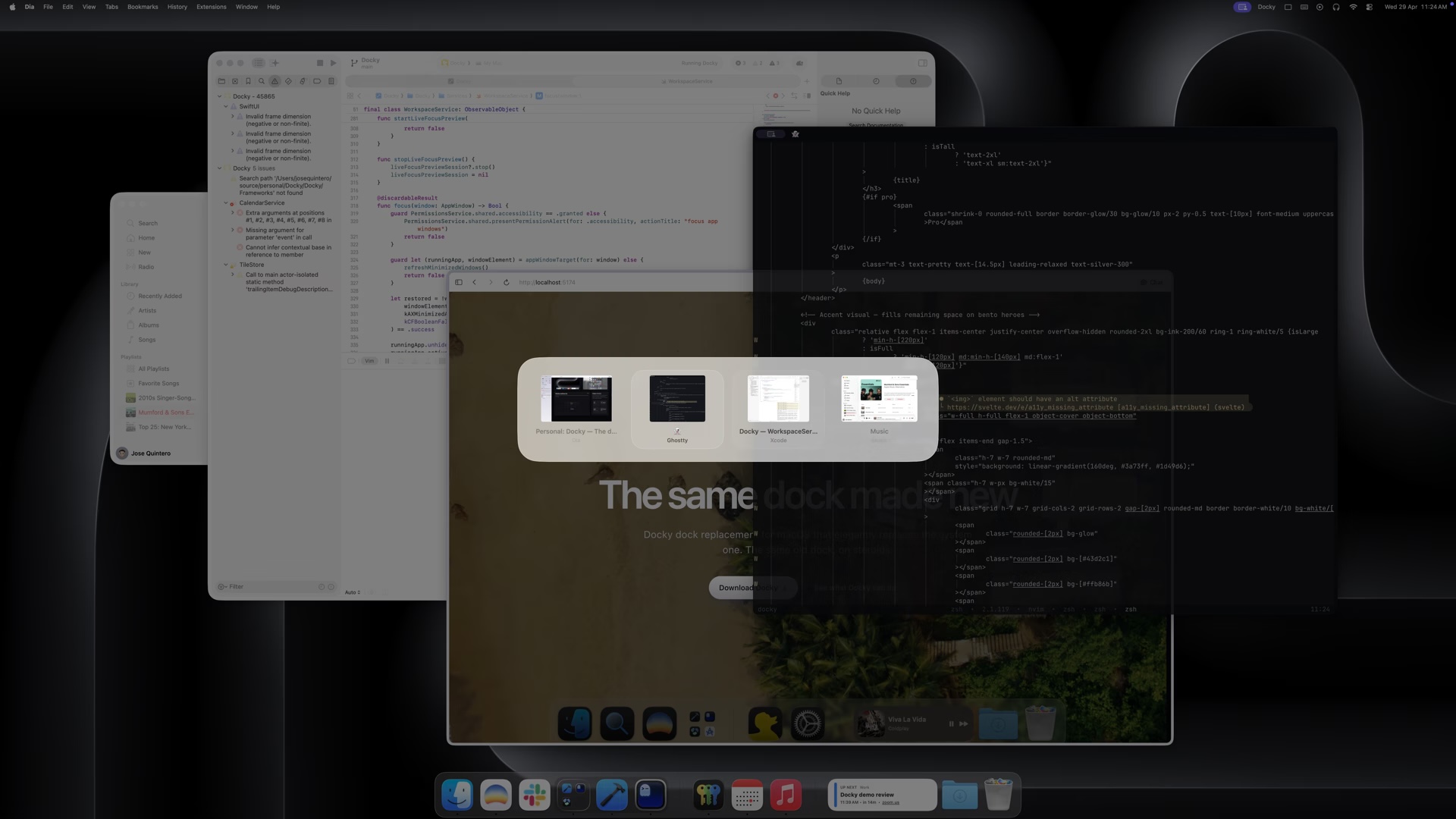
A global Cmd-Tab-style switcher that previews the highlighted window in its actual on-screen position before you commit.
Calendar, Reminders, Batteries, System, Weather, Now Playing and more live right in your dock. Supported app icons can swap into a live widget face in place.
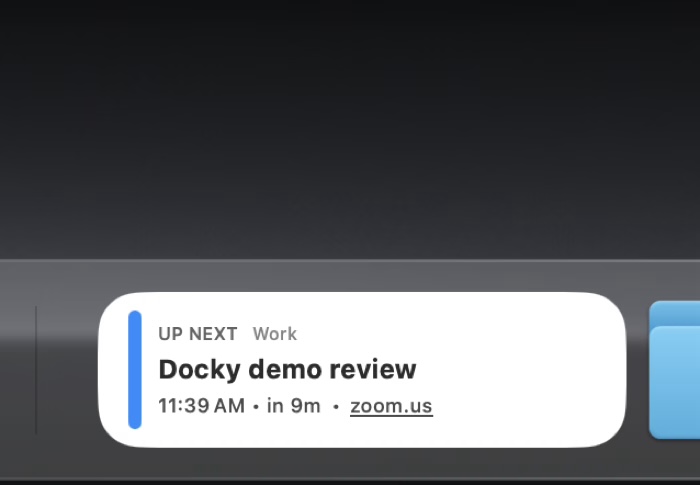
Stack widgets into one dock tile and cycle through them.
Group, browse inline or in a popover, with nested navigation, Quick Look, and drag-and-drop.
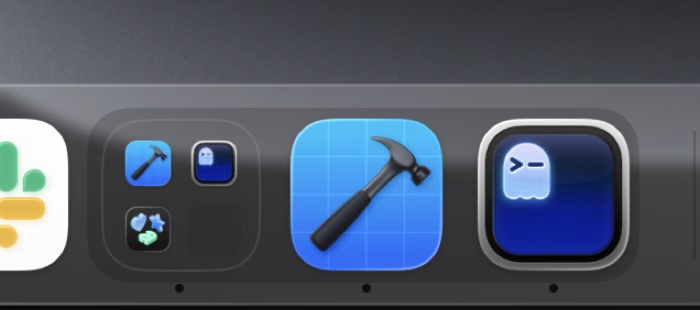
Override the icon for any pinned, running, or widget-backed app. Drop in an image or pick from a curated set.
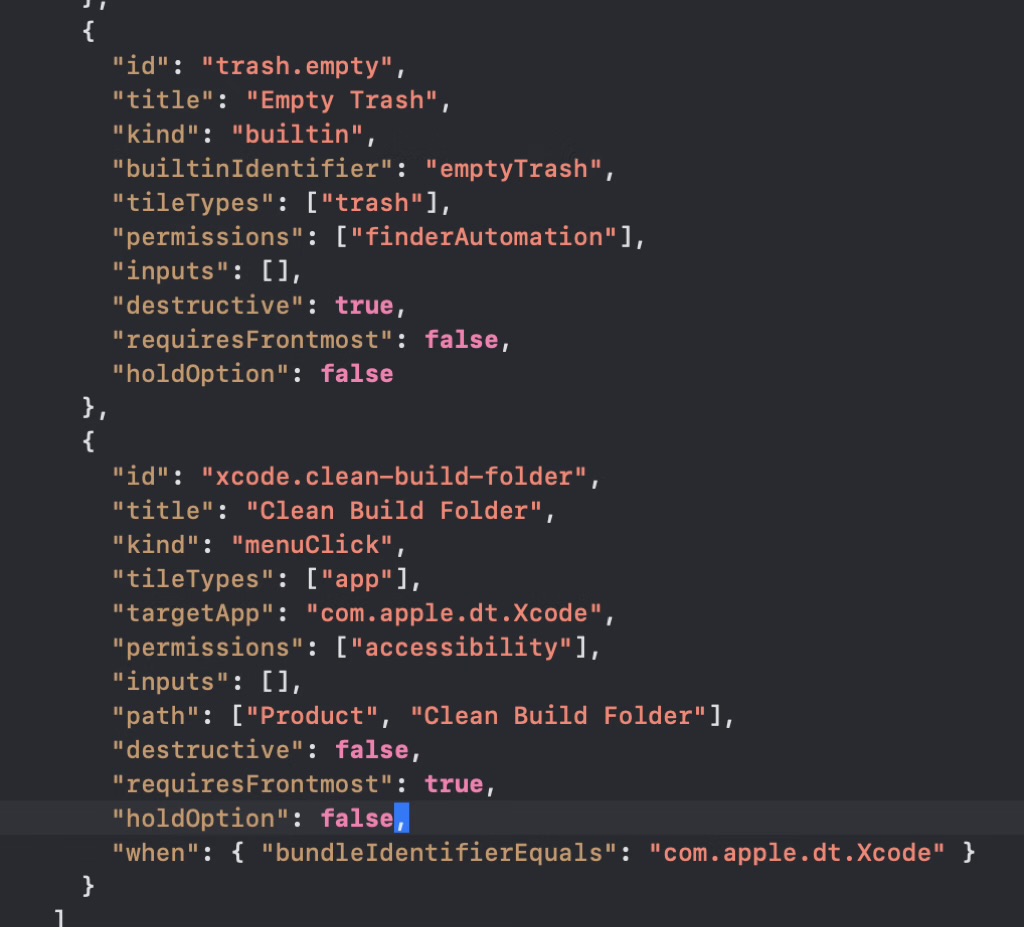
Curated builtin commands, AppleScript, and menu-click sequences triggered from the dock.
Four small moments that you repeat all day but Docky saves time on each one.
Hit your global shortcut and Launchpad fades in, then search and open instantly.
The window switcher shows live previews of every space and window so you land on the right one the first time.
A look at the dock confirms the next meeting, the battery, and what’s playing. No clicks needed, no extra menu bar items.
Group apps you rarely surface, pin the ones you live in, and let everything else autohide until you reach for it.
Yes. Docky is completely free, with every feature included. There is no paid tier, no trial, and no account to create. If you find it useful, you can support continued development through GitHub Sponsors.
Yes. Docky is open source and the full source lives on GitHub at github.com/josejuanqm/docky. You are welcome to read the code, file issues, and open pull requests.
Open an issue or a pull request on the GitHub repository at github.com/josejuanqm/docky. Bug reports, feature ideas, and code contributions are all welcome.
Docky runs on any Mac with macOS 14 (Sonoma) or newer. It ships as a Universal binary, so both Apple Silicon and Intel Macs are supported.
It is your choice. Docky can run alongside macOS’ own Dock, mirror its position, or hide the system Dock entirely while taking its place. You can switch modes any time.
Some of Docky’s most useful features like hiding the system Dock, in-place window previews, and Finder automation sit outside what App Store sandboxing currently allows without making the experience worse. Distributing directly lets us ship the full experience while staying notarized and signed by Apple.
Docky runs without special access for most features. Full Disk Access is optional and only used to render previews of folders macOS protects by default. Finder automation is requested only if you opt into Finder-based scripted actions.
Docky checks for updates in the background and applies them on relaunch.
Docky brings the Dock back into reach quieter, smarter, and native-feeling. Free, open source, and yours to keep.
Notarized by Apple. Free and open source, no account required.